Use Automatic Parking Payment (APP) for the best parking experience! No more waiting in line, lost or forgotten tickets. Just drive up to the barrier and pass through.
If you choose to use automatic parking payment through the app, you can park without any delays, paper tickets, or waiting to pay at a parking meter or with an operator. You’ll only need the app during installation; after that, just ‘forget’ about it.
When the camera registers your vehicle, an e-ticket is generated. The e-ticket closes and automatically deducts the payment from the card you registered. The fiscal receipt will be sent to the email address you registered with, and you don’t even need to take your phone out of your pocket.
If your license plate is dirty or damaged and the camera cannot recognize it, you can scan the QR code at the entry terminal using the app, and the barrier and e-ticket will open for you.
APP is the fastest and most efficient payment method because there are no delays, paper tickets, or waiting in lines, and you only use the app during installation; it handles all these tasks for you.
If you prefer not to use automatic parking payment through the app, there are other payment options available to you.
Through the app without automatic parking payment
With the app, you can enter the parking lot by scanning a QR code at the entrance. When you’re ready to leave, you can pay for your parking ticket using a registered card or prepaid credit, while the camera recognizes your license plate at the exit. Everything else remains the same as with automatic payment.
Payment via the web
Pay for your parking ticket through cozyaccess.com by entering your license plate number, card details, and making the payment. The fiscal receipt will be sent to the email address you provided, and the payment registration in the system is done automatically, without any extra steps.
Automatic payment stations
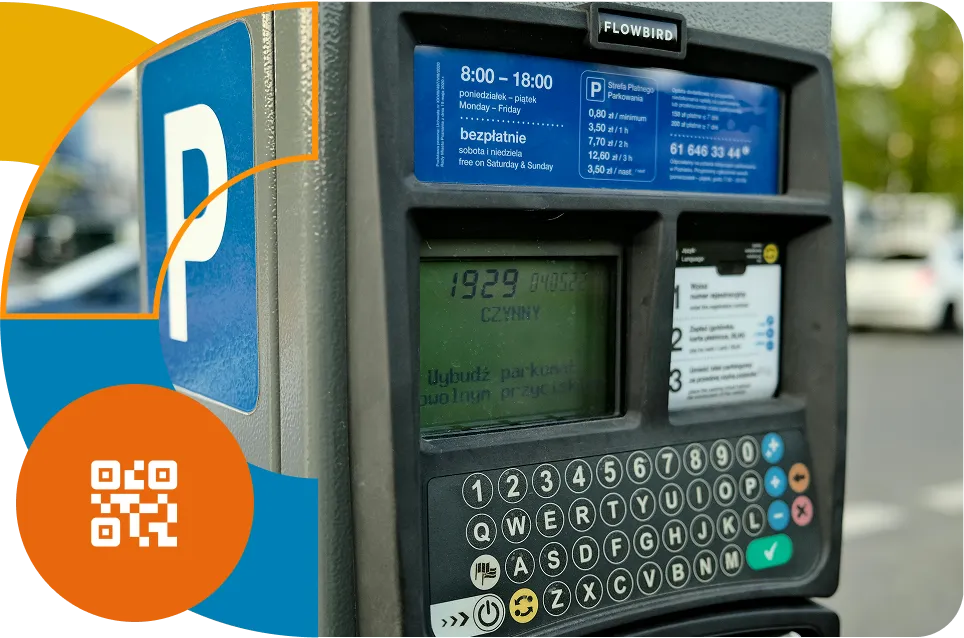
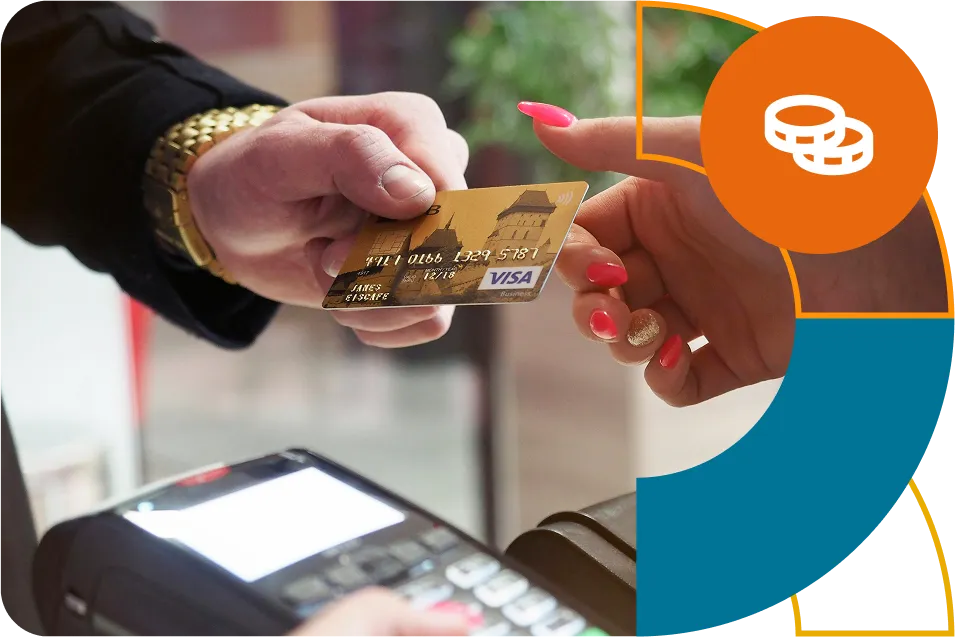
You can pay for parking with a card at an automatic payment station. Enter your license plate number on the station’s display, and it will show you the amount due. Make the payment, then enter your email address (and tax ID) or scan the QR code to receive your fiscal receipt.
Payment at the payment station
You can make a payment at the payment station with cash or card by telling the operator your license plate number. They will enter the information into the system, and you will receive a payment confirmation, allowing the barrier to automatically lift for your exit.
Download the app and start using Cozy Access today!