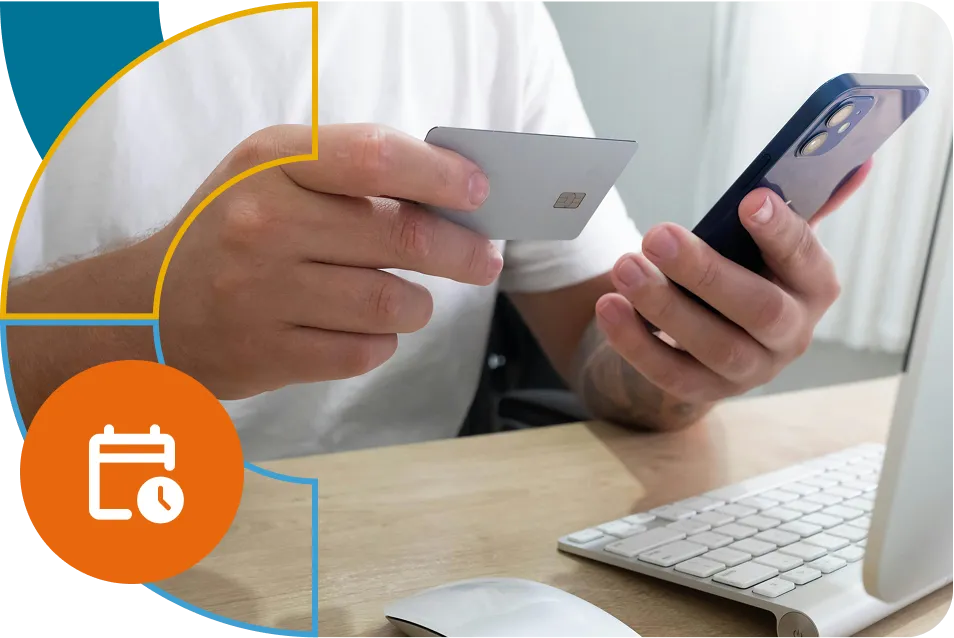
Making an advance reservation allows you to secure a parking spot for an extended period. You won’t waste time searching for information about prices and payment methods; everything is handled through the website or app.
Making an advance reservation allows you to secure a parking spot for an extended period. You won’t waste time searching for information about prices and payment methods; everything is handled through the website or app.
How to reserve parking in advance with Cozy Access?
Install the Cozy Access app, enter your license plate number, email address, and the type of vehicle you drive, along with your payment card. In the app, go to the Access grants section and tap the + sign to open a menu of parking lots where you can reserve a parking spot in advance.
How to make a payment for a reserved parking spot?
After selecting the parking lot and the time slot you wish to reserve, the price will be displayed. You can pay with a card or by depositing prepaid credits. If you need an invoice for your company, enter the company’s tax ID in the details of the registered card.
How does automatic entry and exit from the parking lot work?
Upon entering and exiting, a camera recognizes your license plate, allowing you to enter and exit the parking lot until your reservation time expires. If your plate is damaged or dirty, simply scan the QR code at the terminal when entering and exiting.
Install the app and start using Cozy Access today!